
AYMultiCharacter Kid
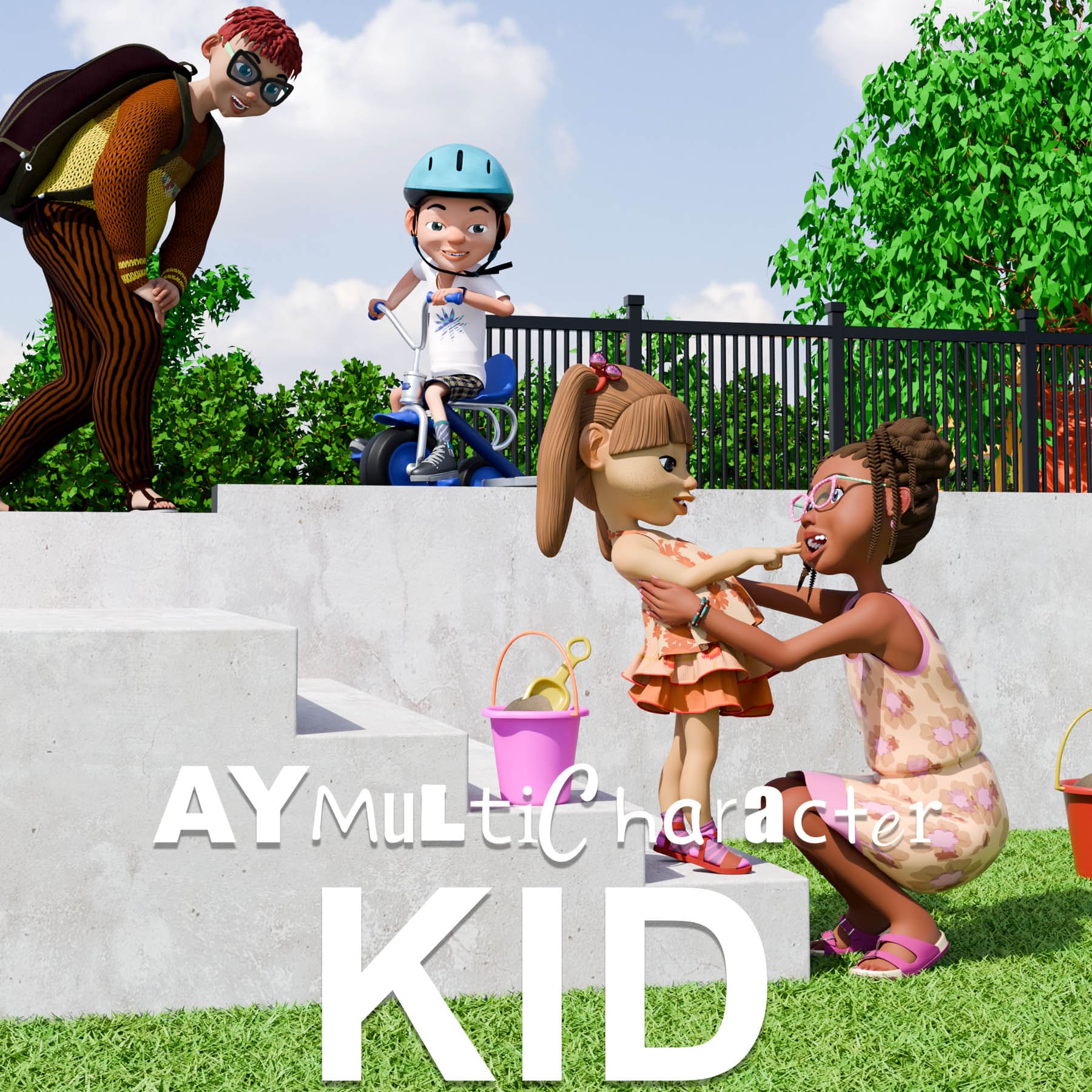
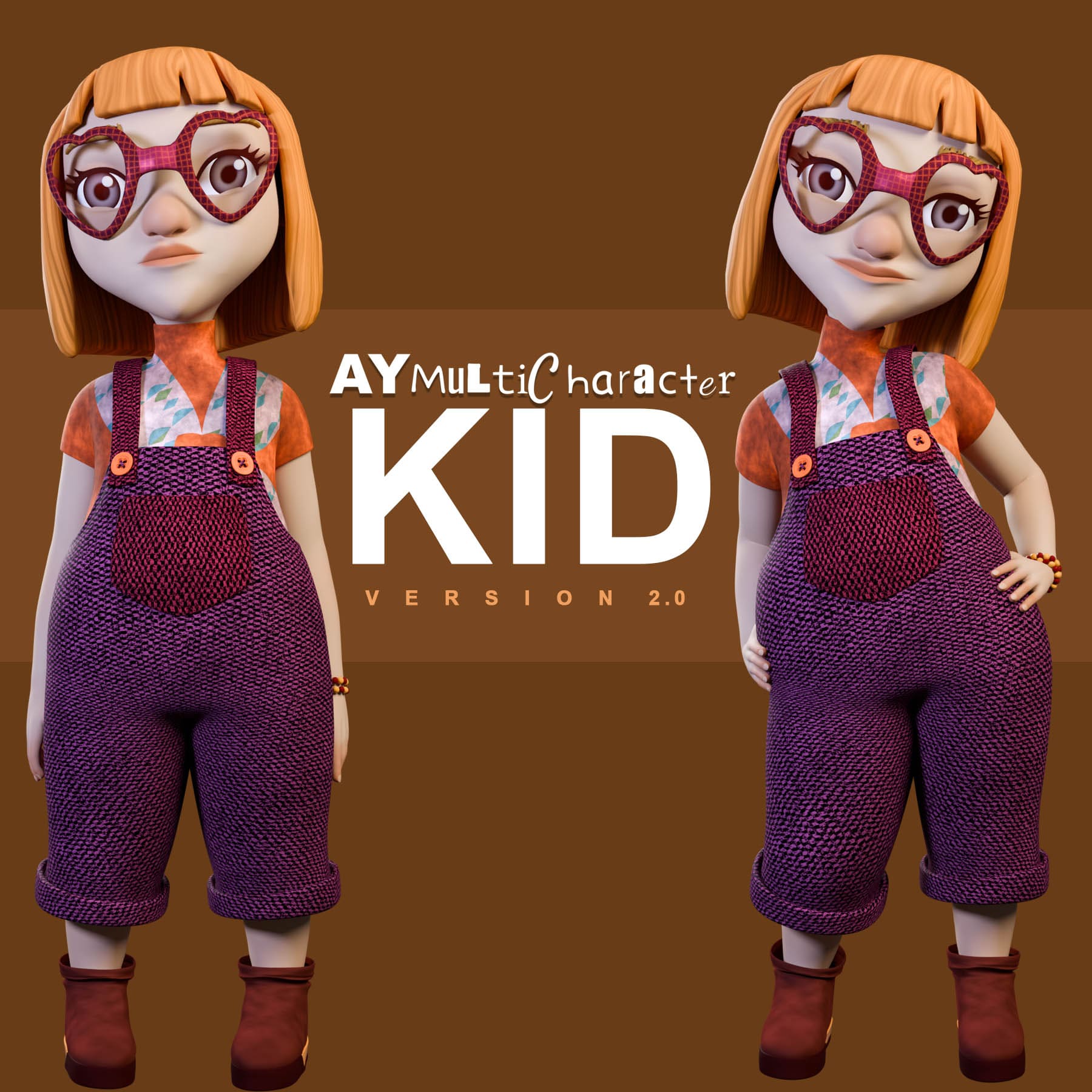
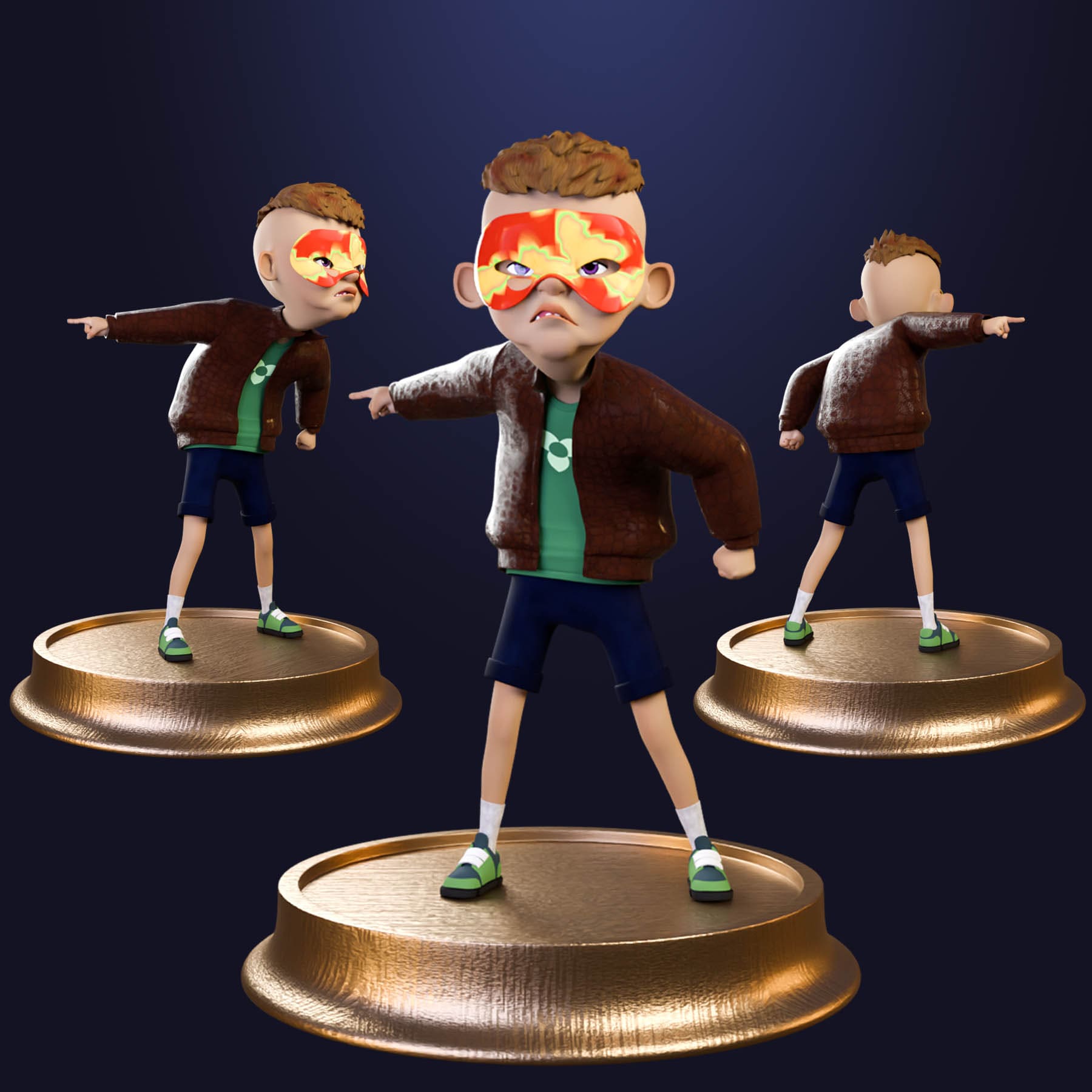
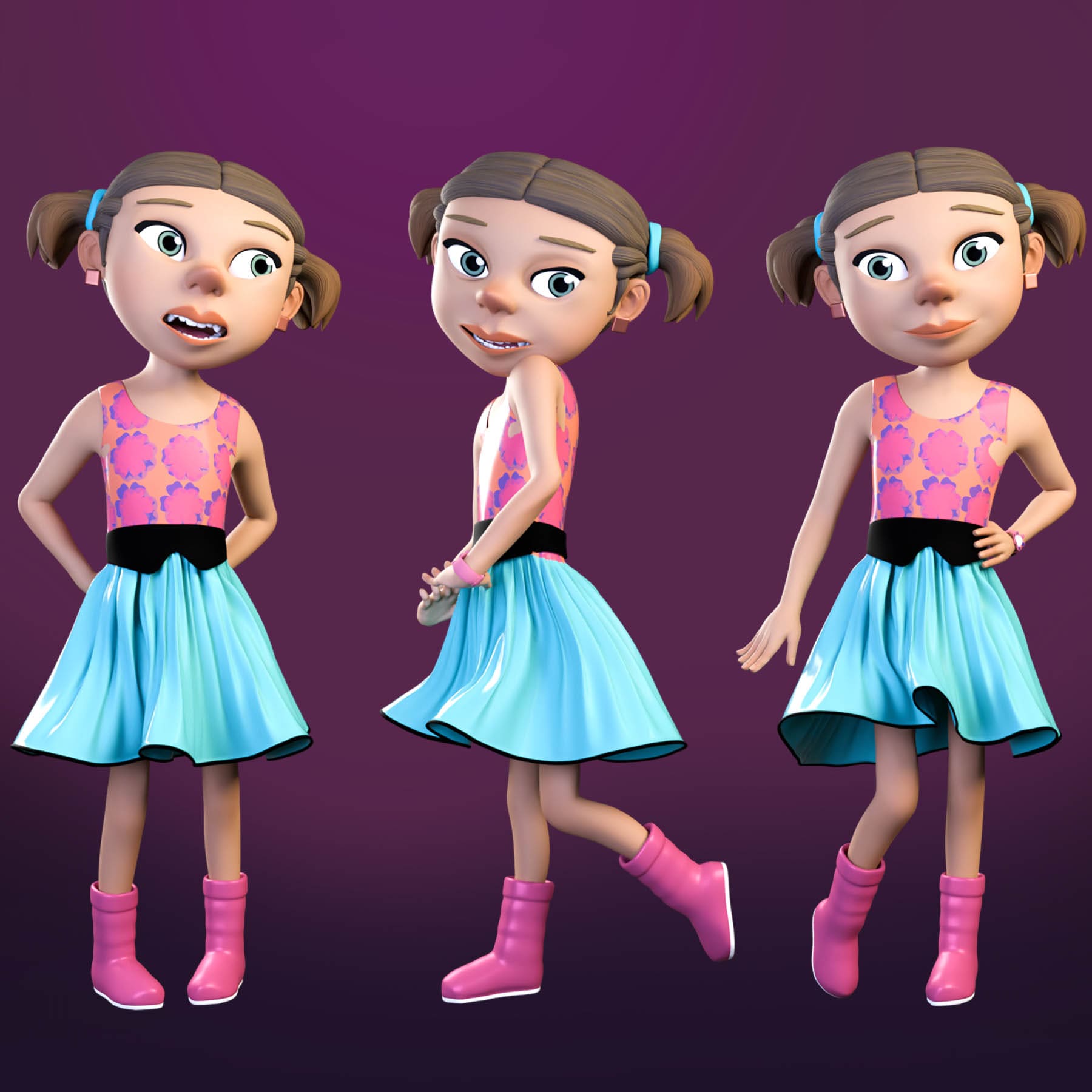
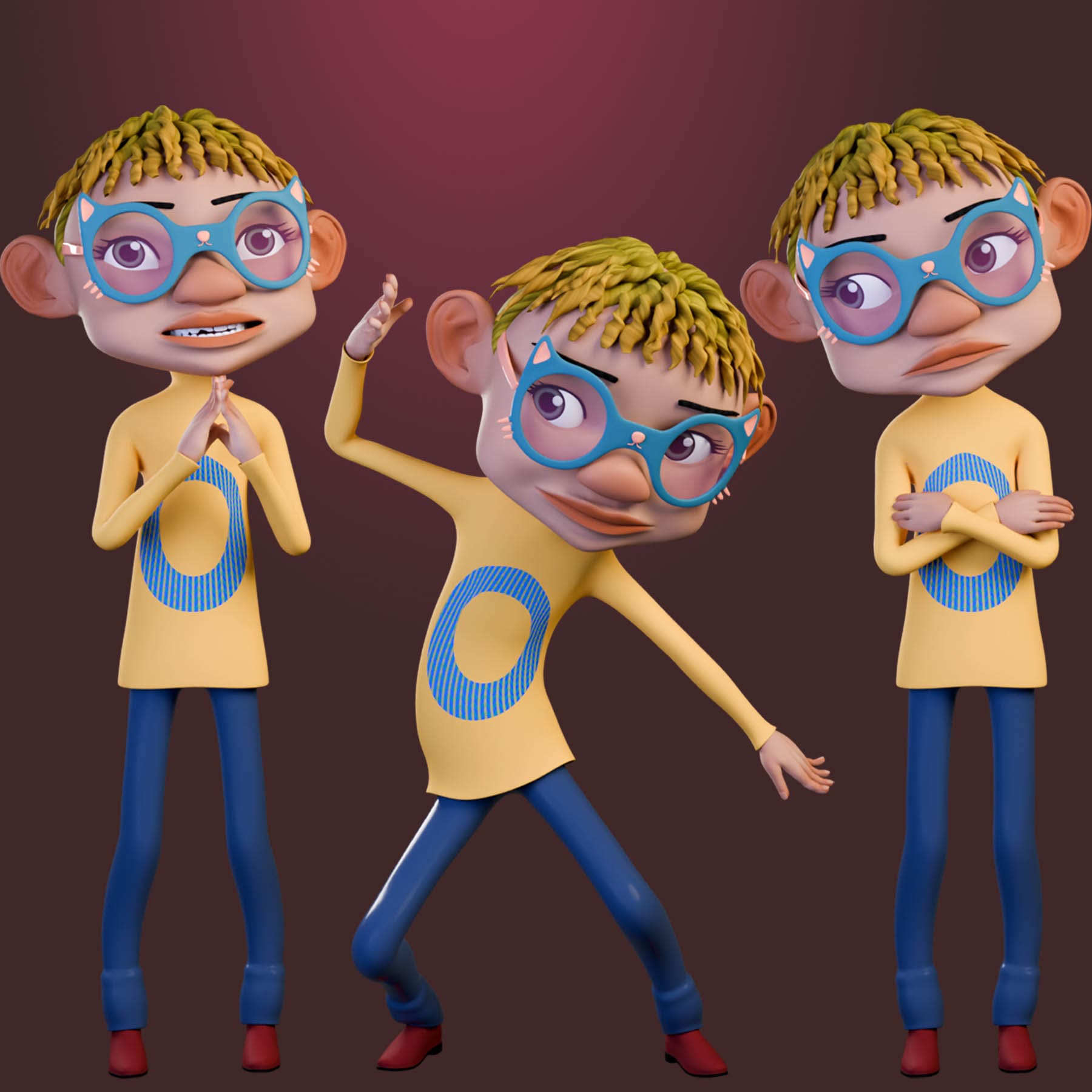
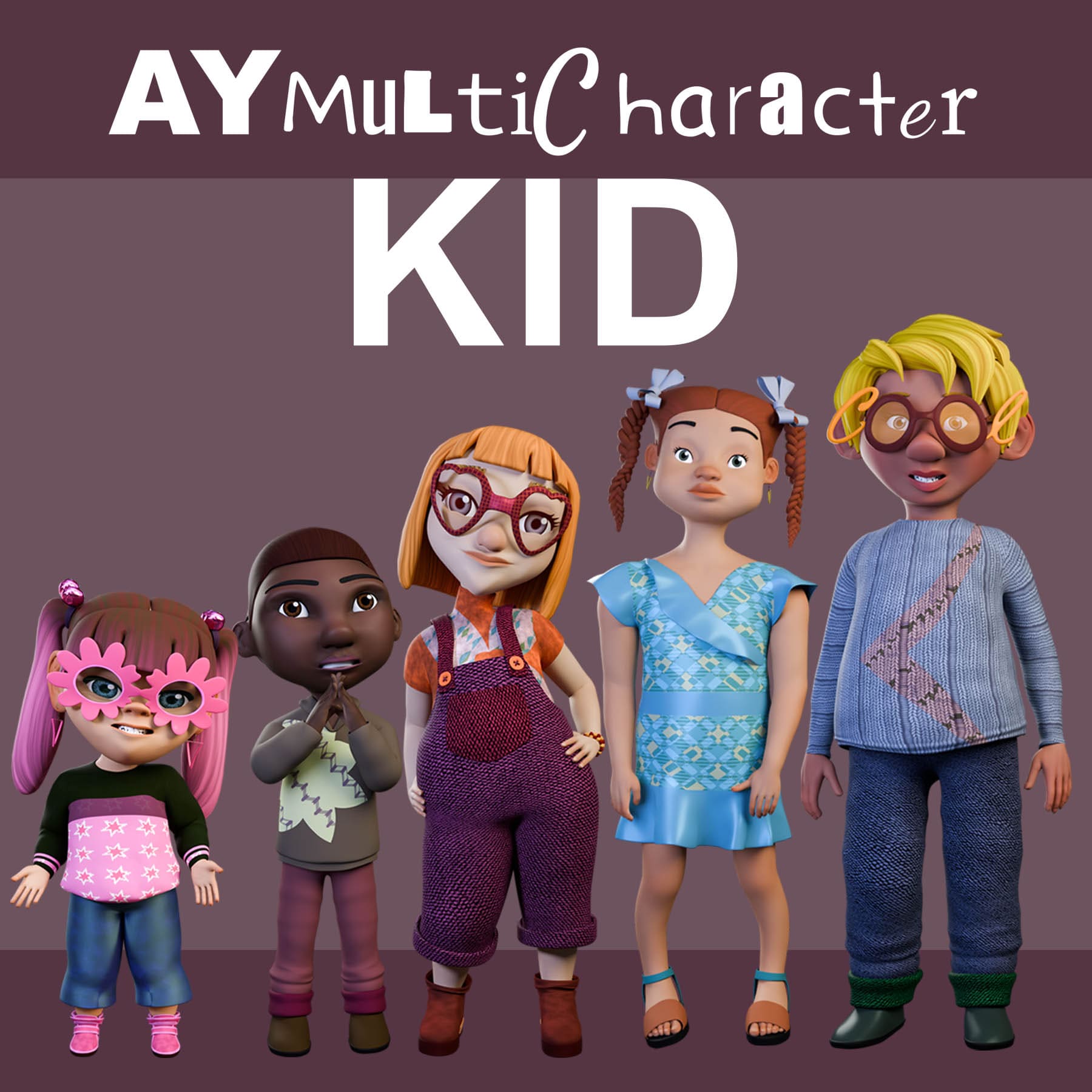
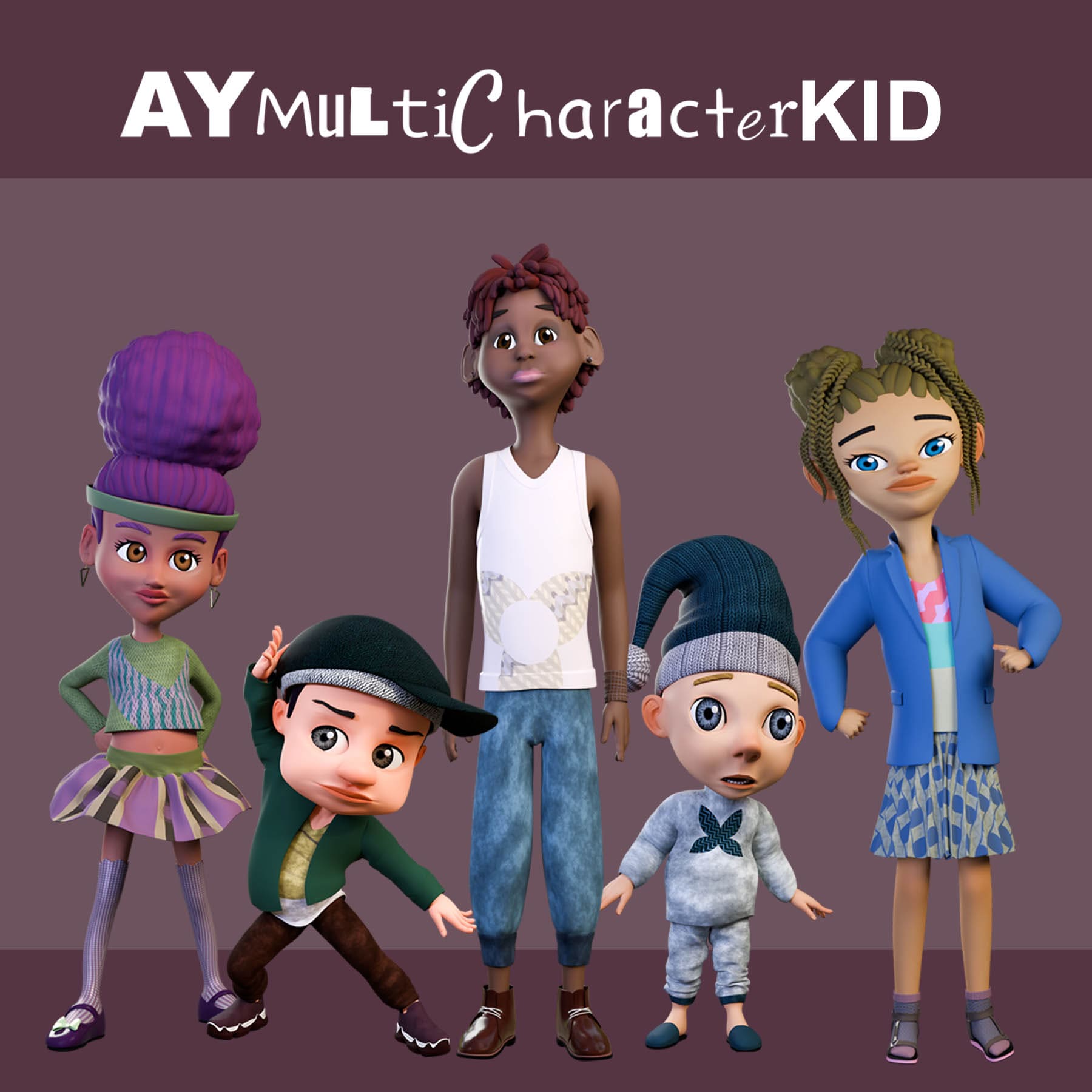
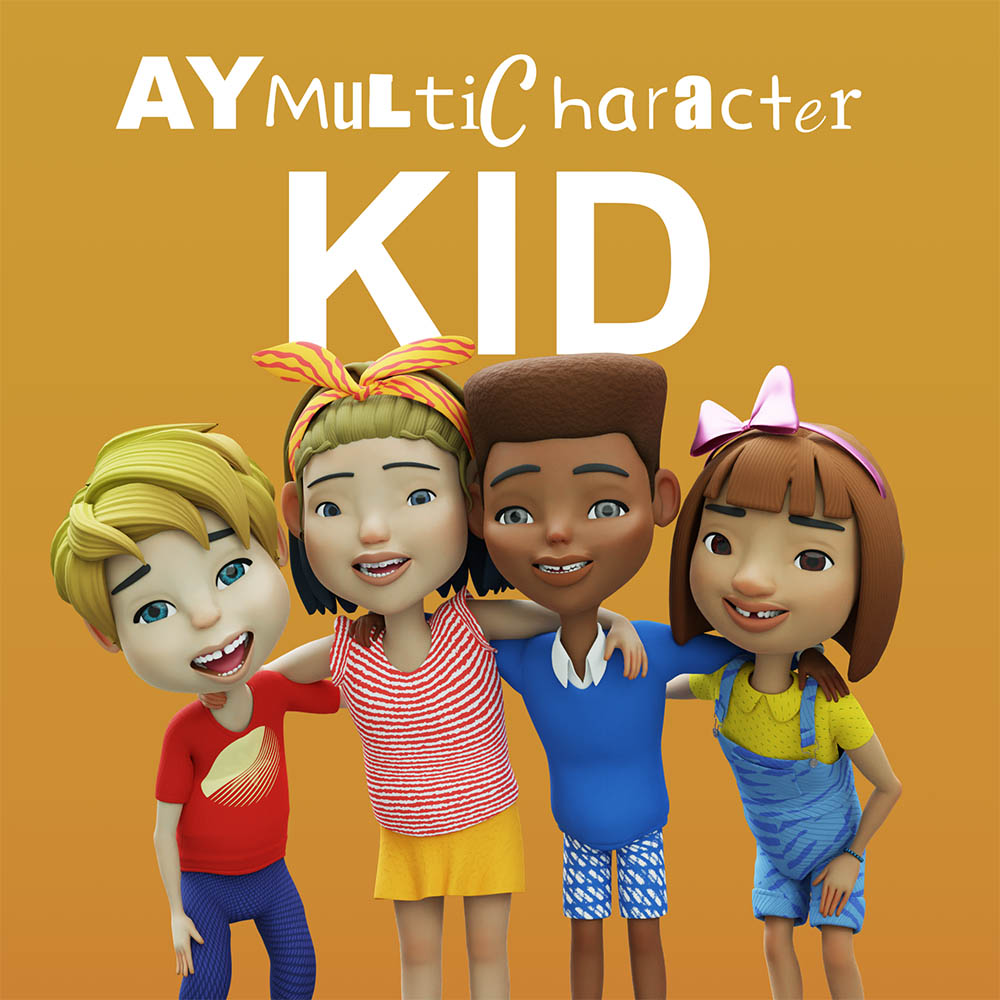
AYMultiCharacter Kid is a character-generating blender kit; that allows users to generate endless 3d animation-ready kid characters with a single click. AYKid generates male and female kids with different outfit styles to mix and match.
What you get from AYMultiCharacter Kid
- You get to generate unlimited characters
- Ability to customize the randomization options for personalized result
- You can change the surface properties of your character’s skin and outfit
- You can tweak every aspect of your characters body
- Over 400 meshes to mix and match to generate your characters
- All characters generated are already rigged and ready for animation
- Use procedural shaders to generate unlimited Patterns and Fabrics
- Use your own images to further customize the character and outfit
- Add Mixamo animation to your character in blender and bake to the rigify rig for further animation.
- Bake materials to textures
- Add Blemish to your character’s skin
- Hide part of your character’s body to avoid them showing through the cloths or to reduce polygoncount.
- Use the 7 preset animation to preview your character’s movement or it can serve as base for your animation.
- Use the preset face, fingers and Phonemes poses in the Pose Library to kick start your animation.
- You can remove and add to the outfit collection
- Get real-time updates as you dynamically tweak and change the character and outfit
Basemesh
AYMultiCharacter comes with 4 Base Meshes. The base mesh is the character’s body, and depending on the one used, it can give different look to your project.
| Nostrils | Nails | Polygon Count | Starter Kit | Standard Kit | Complete Kit | |
|---|---|---|---|---|---|---|
| Base Mesh 1 | No | No | 5304 | Yes | Yes | Yes |
| Base Mesh 2 | Yes | No | 5416 | No | Yes | Yes |
| Base Mesh 3 | Yes | Yes | 7973 | No | No | Yes |
| Base Mesh 4 | Yes | Yes | 15,347 | No | No | Yes |
Product Variation
AYMultiCharacter has 3 product Variation. Starter Kit, Standard Kit, and Complete Kit. The character’s body change is the same for all variations, the only difference is the total number of Base Meshes, Outfits, FBX export option, and Animation options.
| Base Mesh | Outfits | FBX Options | Texture Bake | |
|---|---|---|---|---|
| Starter Kit | 1 | 100 | Character only | No |
| Standard Kit | 2 | 250 | Character and Rig | No |
| Complete Kit | 4 | 500 | Character, Rig and Animation | Yes |
Randomize
The randomization option will randomize most of the “Character” and “Outfit” panel slider values to get a unique character every time. You can use the “Randomize all” , “Character” or “Outfit” buttons to achieve this. You can also Tweak the “Character Options” and “Outfit Options” to change what is included in the randomization. The randomized character can further be tweaked using the “Character” and “Outfit” Panels.
Procedural Patterns
AYMultiCharacter outfit uses only procedural patterns for outfit look. In version 2, a new system was introduced to create more complex look. There are 10 Pattern Types for outfit, the first 9 are procedural that have 20 patterns option, that’s 180 procedural patterns that you can randomize, blend, scale, rotate, and move to get an unlimited unique look every time.
Procedural Fabrics
AYMultiCharacter Outfits come with 20 Fabrics; Linen, Knit 01, Corduroy, Velvet, Rough, Gabardine, Fur, Leather 01, Canvas, Twill, Chambray, Noise, Knit 02, Leather 02, Dotted, Cotton, Fade, Striped, Knit 03, and Lace. These gives your outfit beautiful outlook. They can also be mixed with Patterns to create more complex look. You can also add Dirt, Glitter, Bump and Alpha to your fabric.
External Images
You can choose not to use the procedural patterns for your character’s body and outfit. There are options to use imported images to change your character’s Body, Hair, Eyebrows, Lashes, Eyes, Outfit etc. In some cases you have the option to scale, rotate and change the image color.
Fully Rigged
AYMultiCharacter is already rigged with Rigify; a powerful rigging system in Blender. You have nothing to worry about; generate your character and start animating.
Export Visible
With AYMultiCharacter you can export as Blender “.blender”, Wavefront “.obj”, FBX “.fbx”, Python “.py”, and Bake Texture “.png .jpg”
Blender
Export visible objects to “.blender” is responsible for excluding hidden files and saving the visible meshes as a new blender file with the rig. You still have the functionality to further customize your character in the new blender scene. You can also bake your procedural materials to textures, this will break further customization of such materials.
Wavefront: Export visible objects to “.obj” wavefront file format. This is a universal format that works in any 3d application or even some 2d programs. This format doesn’t support rig or textures.
FBX: Export only visible meshes to “.fbx” file format. This can be used in other software like Mixamo, Autodesk Maya, Unity, Unreal, Cinema 4d, and even back to Blender. Depending on the kit you got, the export options will be different, ranging from character only (Starter Kit), character with the rig (Standard Kit), and Character, rig, animation, and textures (Complete Kit.)
Python: Export generated character values to .py. The file exported is in kb which saves space. To get back the saved generated character, import the script into AYMultiCharacter scene and then run the python script.
Bake Texture: Export selected or visible AYMultiCharacter materials to textures. You can bake the following Maps; Base Color, Normal, Roughness, Specular, Specular Tint, Metallic and Alpha.
Animation Actions
AYMultiCharacter comes with 7 presets animation actions to preview your character’s movement. They can also serve as base for your animation.
Pose Library
AYMultiCharacter comes with some poses Use the Face, fingers and Phonemes poses in the Pose Library to kick start your animation.
Mixamo Retargeting
Add Mixamo animation to your character with very few clicks in Blender. You have the ability to edit the animation before finally baking to the Rigify rig for further editing.
Update Library
AYMultiCharacter is not limited to what it’s shipped with. Irrespective of the variation, you can easily grow and customize your library by adding more outfits, eyebrows, lashes, teeth, etc. The update feature makes it possible to remove or add meshes to the kit.
Limitations
You have to adjust some outfits for penetration and protrusion. For instance “Neckwear” can be awkwardly placed on a “Top” if a “Jacket” is not visible.
The materials shaders takes time to compile in EEVEE due to the complex shaders network. The speed depends on the streangth of your pc. To get immediate feedback, it’s best to use cycles, which doesn’t need to compile everytime you make some changes.
You might have some weight paint issues, especially if the character is extremely big or small. Please report any issue you come across, and it will be fixed as soon as possible.
Blender Version
Blender Version 4.0, 4.1, 4.2, 4.3, 4.4, 4.5, 5.0
Changelog
Version 1.0:
Initial release
Version 1.1:
Fbx export support for all variation.
Fbx animation bake for Standard kit and Complete kit.
Change neck length
Change head size
Fixed Weight Paint and Shape Keys
Version 1.2:
Rig updated to work with Blender Version 4 series
Version 2.0:
Version 2 was reworked from ground to give better results.
New Materials, with more patterns introduced and Fabrics.
Can now export fbx files and pack animation.
Materials can be baked to textures
Images can be used in place of the procedural materials
2.0.1:
Fixed Mixamo attachment, FBX, and texture export for Blender 5 series
There are no reviews yet.