
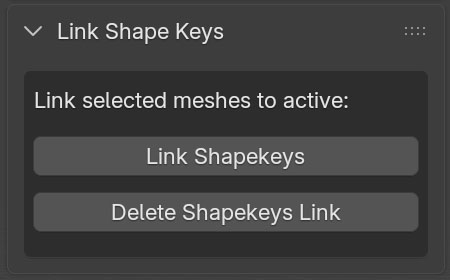
Link Shapekeys: This button is responsible for linking the shapekeys of all selected objects to the active object. To use, select all meshes you want to link their shapekeys, and select the control mesh last (which makes it the active mesh) and then click on “Link Shapekeys” button. The button then creates drivers that links selected meshes to the active mesh.
Delete Shapekeys Link: This button is used to clear all drivers from all selected meshes. Select the mesh or meshes you want to clear drivers from then click on the “Delete Shapekeys Link” button.