
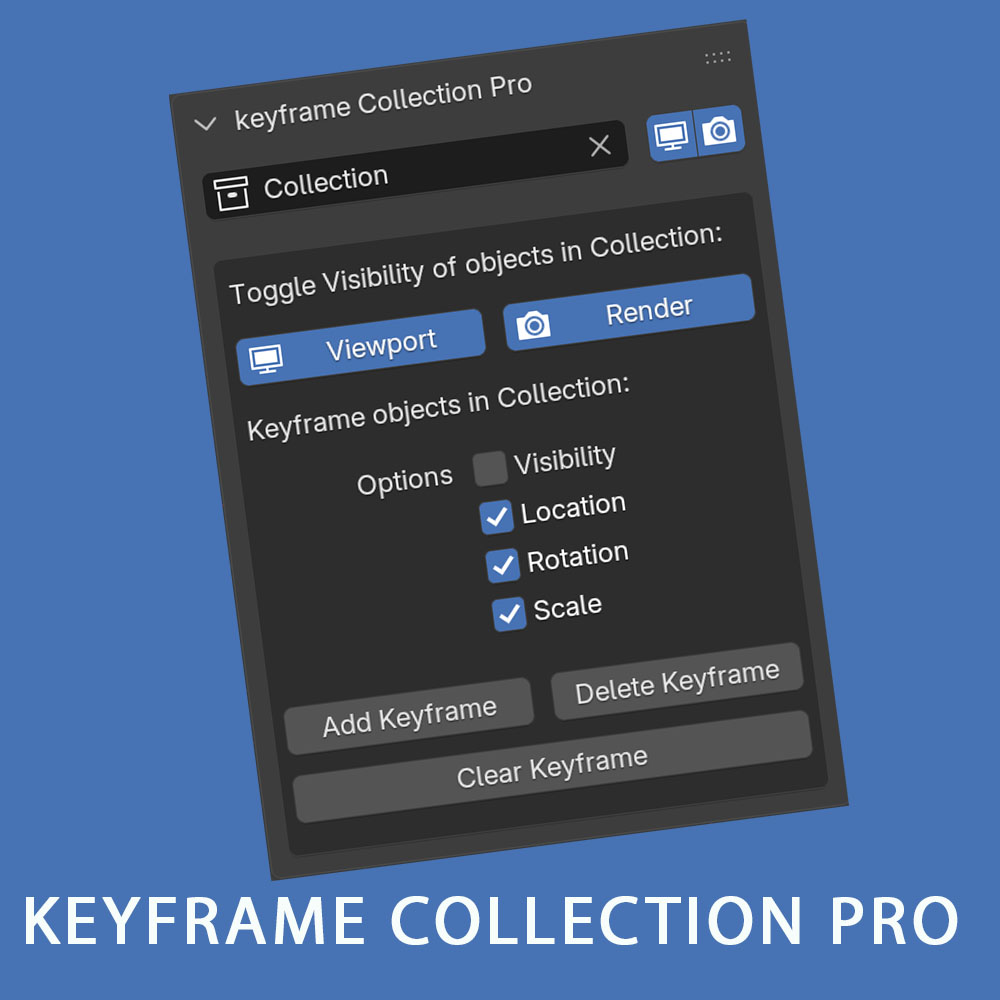

Collection visibility can’t be animated In Blender, you can only animate the visibility of individual objects in a collection.
You can toggle the Visibility of a collection without using the Outliner.
You can toggle the Visibility of objects in a collection without using the Outliner.
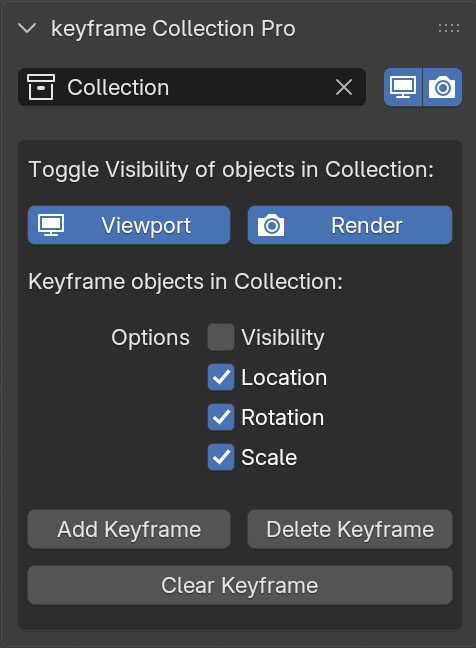
The Pro Version makes it possible to animation the visibility, location, rotation and scale of all object in a collection using three buttons:
“Add Keyframe” , “Delete Keyframe” and “Clear Keyframe”
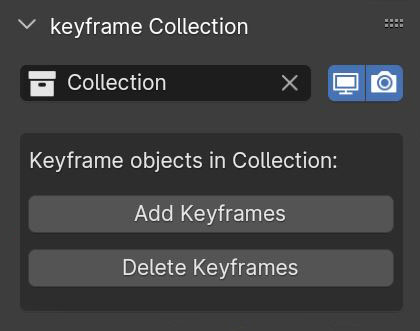
The Base Version makes it possible to animate visibility of all objects in a collection using two buttons:
“Add Keyframe” and “Delete Keyframe”
Changelog
Pro Version
Version 1:
- Options to add keyframe to location, rotation and scale
- Option to add keyframe to object visibility
- Remove animation data with “Clear keyframe button
Base Version
Version 1:
- Initial Release
- Base Version
Version 2:
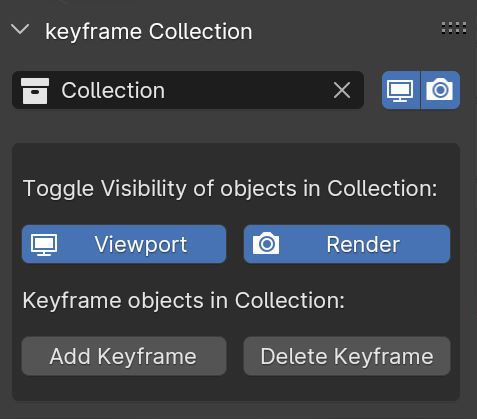
- Toggle visibility of objects in collection.
Version 3:
- Works with current scene irrespective of “Scene” Name
- Fix blender crashing with Toggle Visibility of objects in Render
- Add collection viewport and render toggle icons change
Version 4:
- Updated to Extension for Blender 4 series and 5
Muayad Al Nabhani –
Easy and Useful!!
Thanks